


2024/2025
Services
UI / UX design
Figma
FigJam
PHP + HTML/CSS/JS
Tailwind CSS
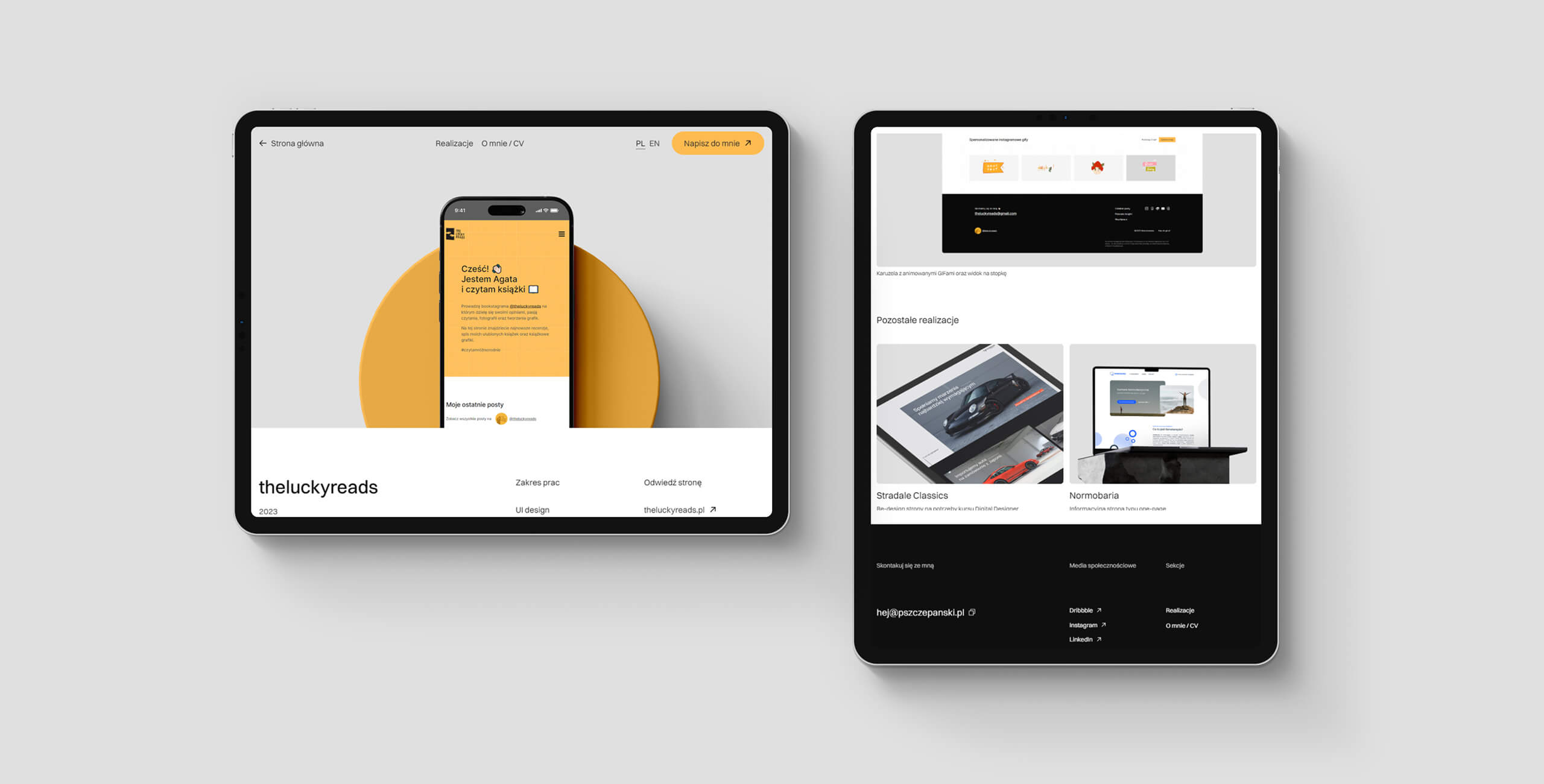
Subpage example with a project
Project overview
The design of a personal UI/UX portfolio was born out of the need to showcase projects, skills, and experience in the form of a website built from scratch.
Creating a portfolio from scratch provided not only visual freedom but also the opportunity to showcase the creative process and skills from related fields (e.g., graphic design, frontend, and backend development). The custom portfolio reflects my design philosophy, which is based on usability, aesthetics, and tailoring to user needs.
Goal
The goal of the portfolio project was to create a visually appealing, intuitive, and functional website that clearly showcases my skills, experience, and projects, helping me to stand out in the job market.
The portfolio was designed not only to capture the attention of potential employers and clients but also to showcase my competencies in interface design.
The website is responsive, optimized for speed, and matches the needs of recruiters, project managers, and potential clients.
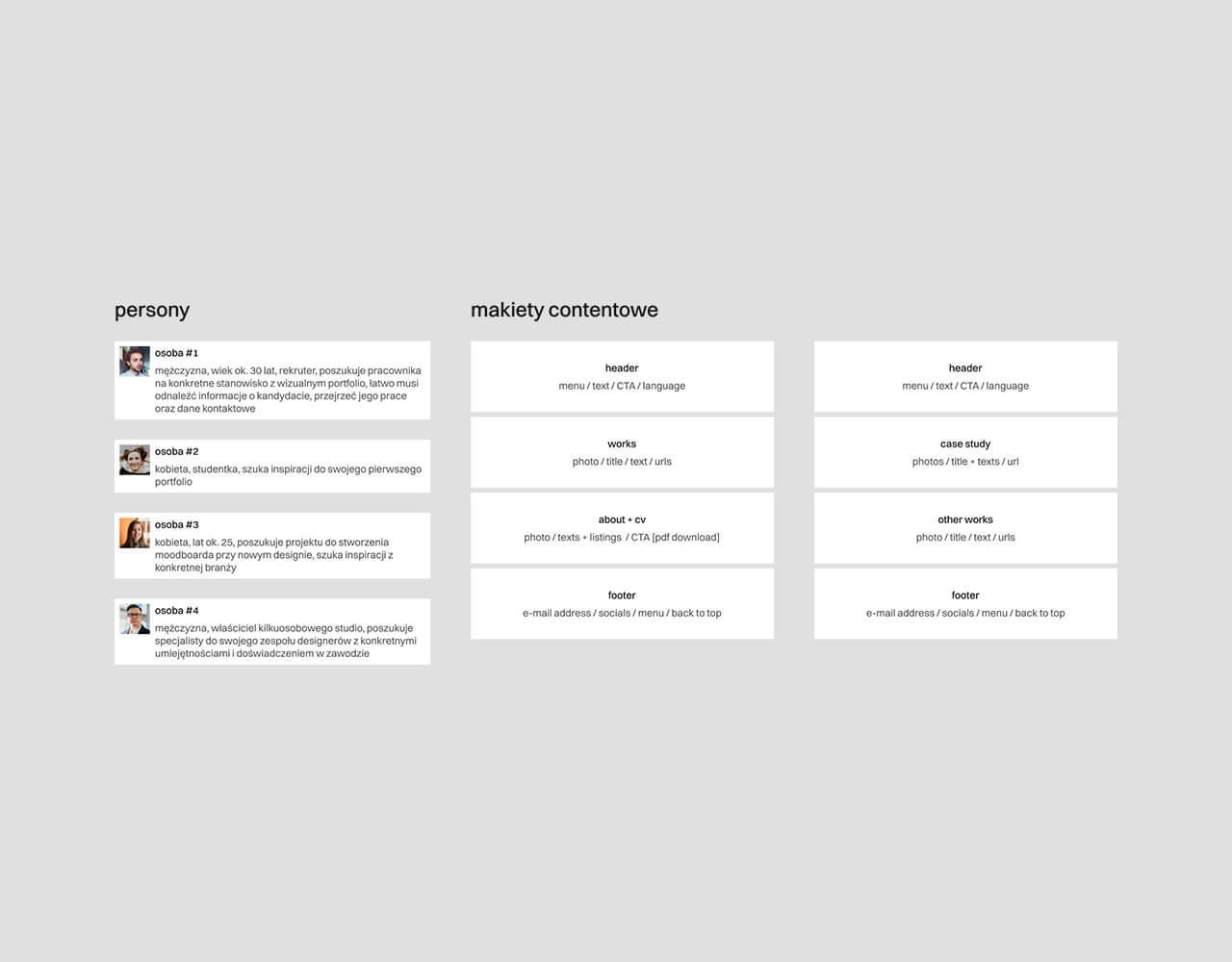
Personas and content mockups
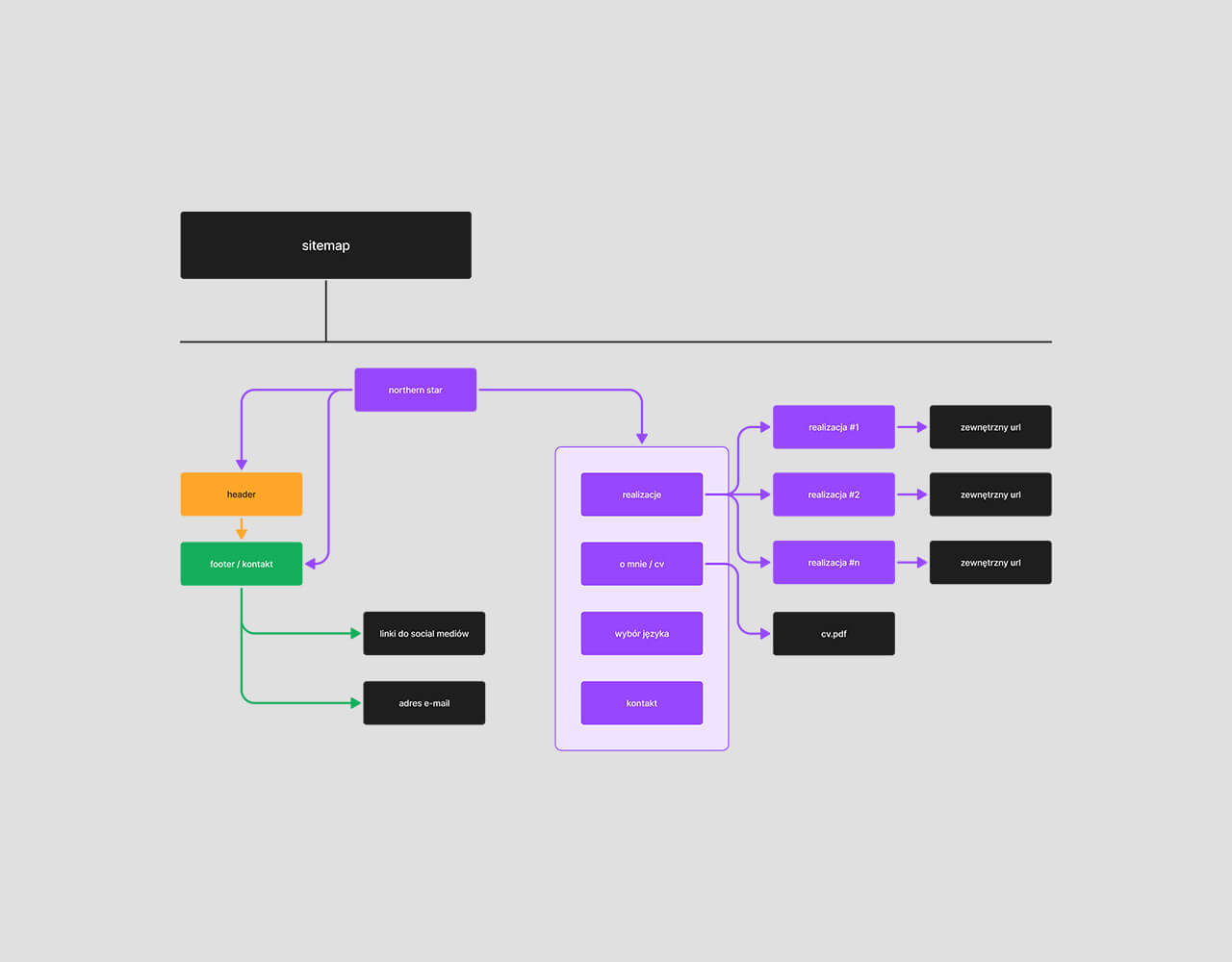
Visualisation of the site map
UX
For the creation of a personal portfolio, four personas were developed: 1. Recruiter (seeking a candidate for a specific position with a visual portfolio; needs to quickly find information about the candidate, review their work, and access contact details). 2. Young Student (looking for inspiration for their first portfolio). 3. Woman around 25 years old (searching for projects to create a mood board for a new design, seeking inspiration from a specific industry). 4. Owner of a small studio (looking for a specialist to join their team of designers, with specific skills and professional experience). Each of these personas should navigate the user flow in a short and seamless manner, culminating in a predefined conversion.
Two simple content mockups were created (a homepage and a subpage). The mockups helped logically plan the layout and organize the content in a functional way (both text and graphics). This allowed to eliminate the poorly optimized content modules.
The site map helped to avoid navigation chaos and determine what content should be included in each section. It also enabled better planning of intuitive user paths.
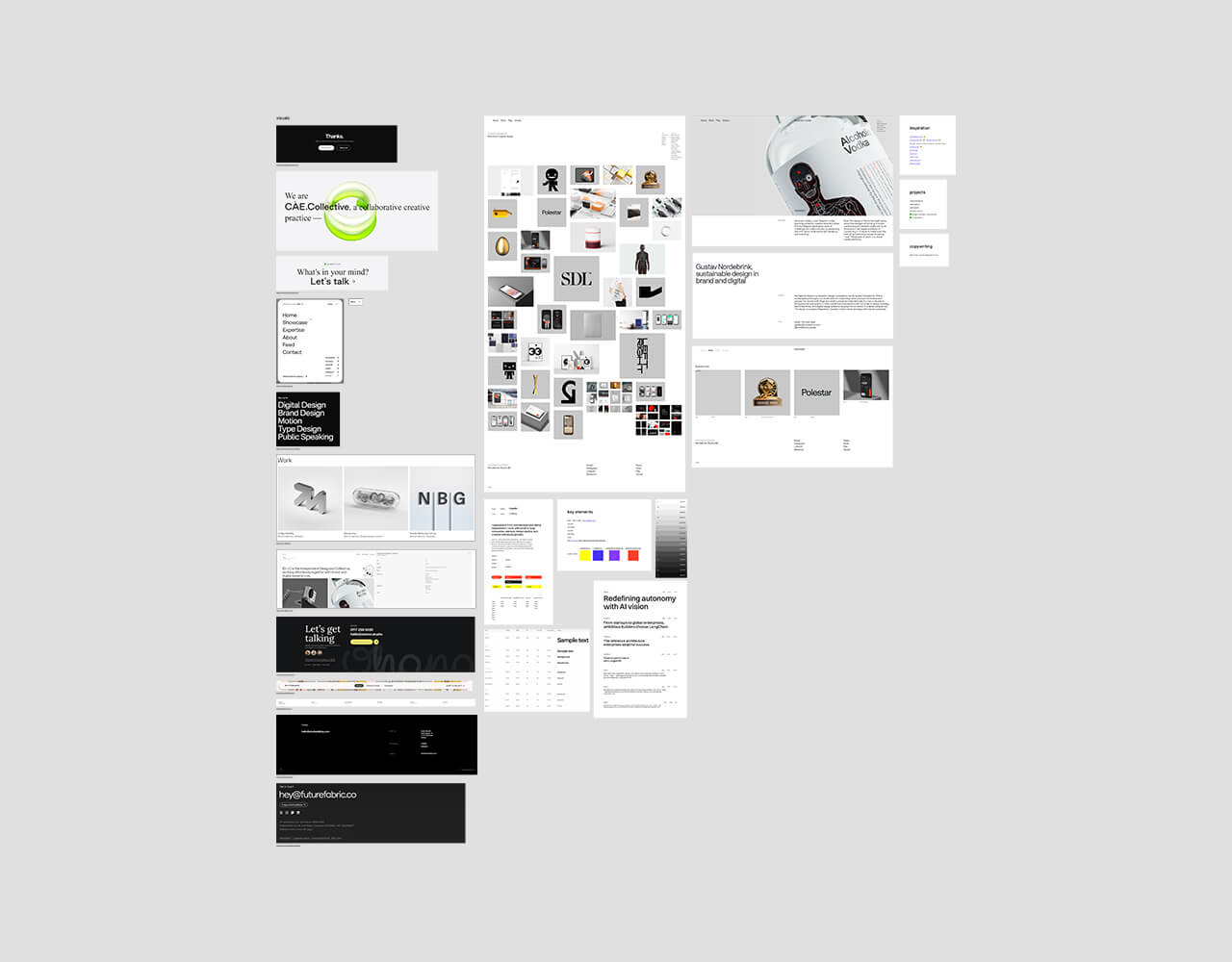
Moodboard with visual inspirations, color palette and typograhpy
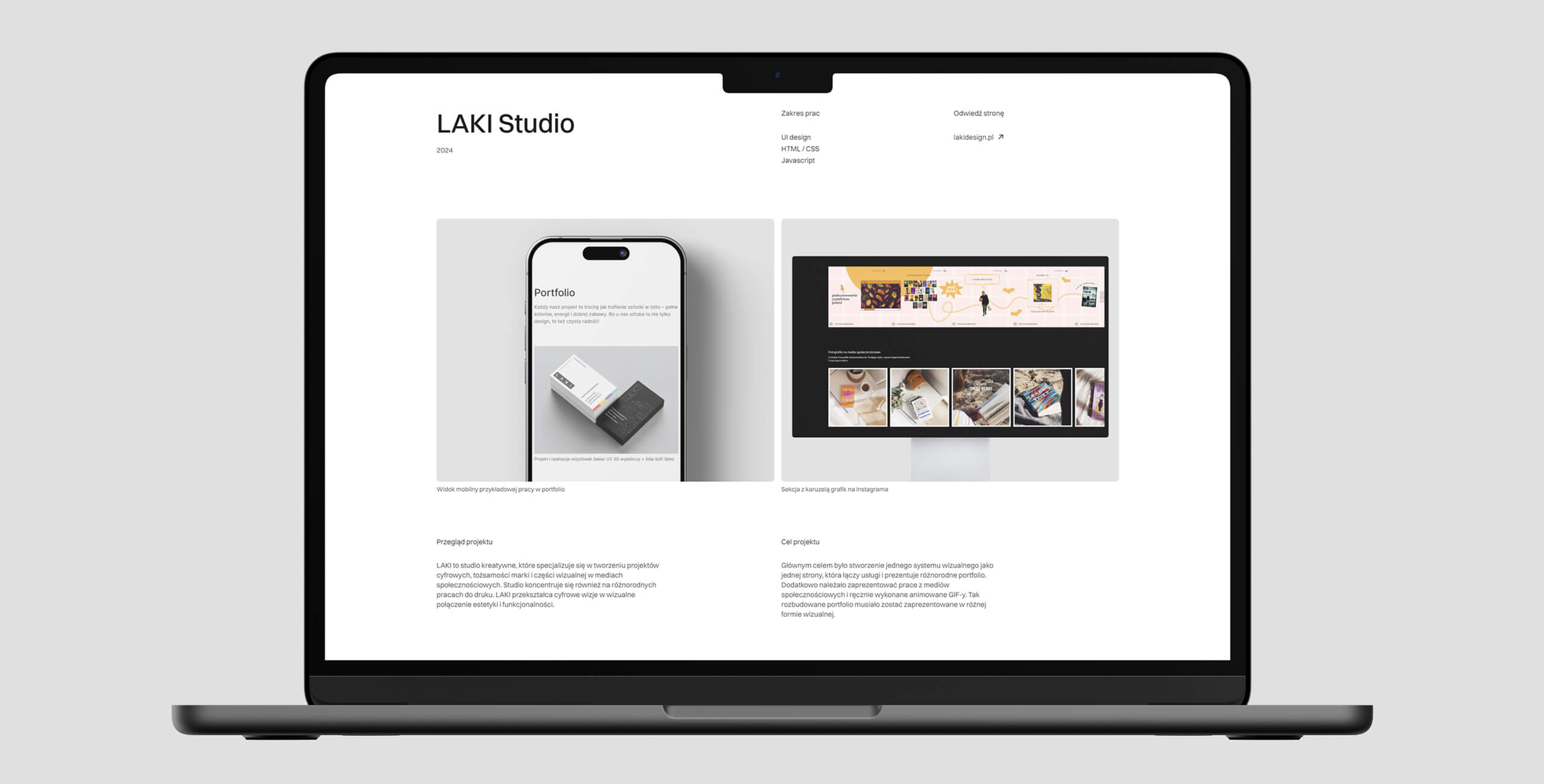
Subpage example with a presentation of a project
UI
The main task in the UI design was to give the portfolio a minimalist tone: a grid-based layout, muted color scheme, simple and modern font, and the use of negative space. The priority was the content, ensuring the user’s attention was focused on the projects and key information, such as the "About Me" section or professional experience timeline.
A 12-column grid was used to create the visual design. Thanks to the flexible features of such a grid, it allowed the creation to be a fully responsive layout while ensuring clarity and readability for the user (as shown in the attached mockup graphic).
A well-thought-out collection of the UI elements in the form of a mood board enabled the selection of a color palette, suitable typography (a neo-grotesque font, Switzer, ideal for the minimalist design of the portfolio), and the method of presenting graphics in the project descriptions.
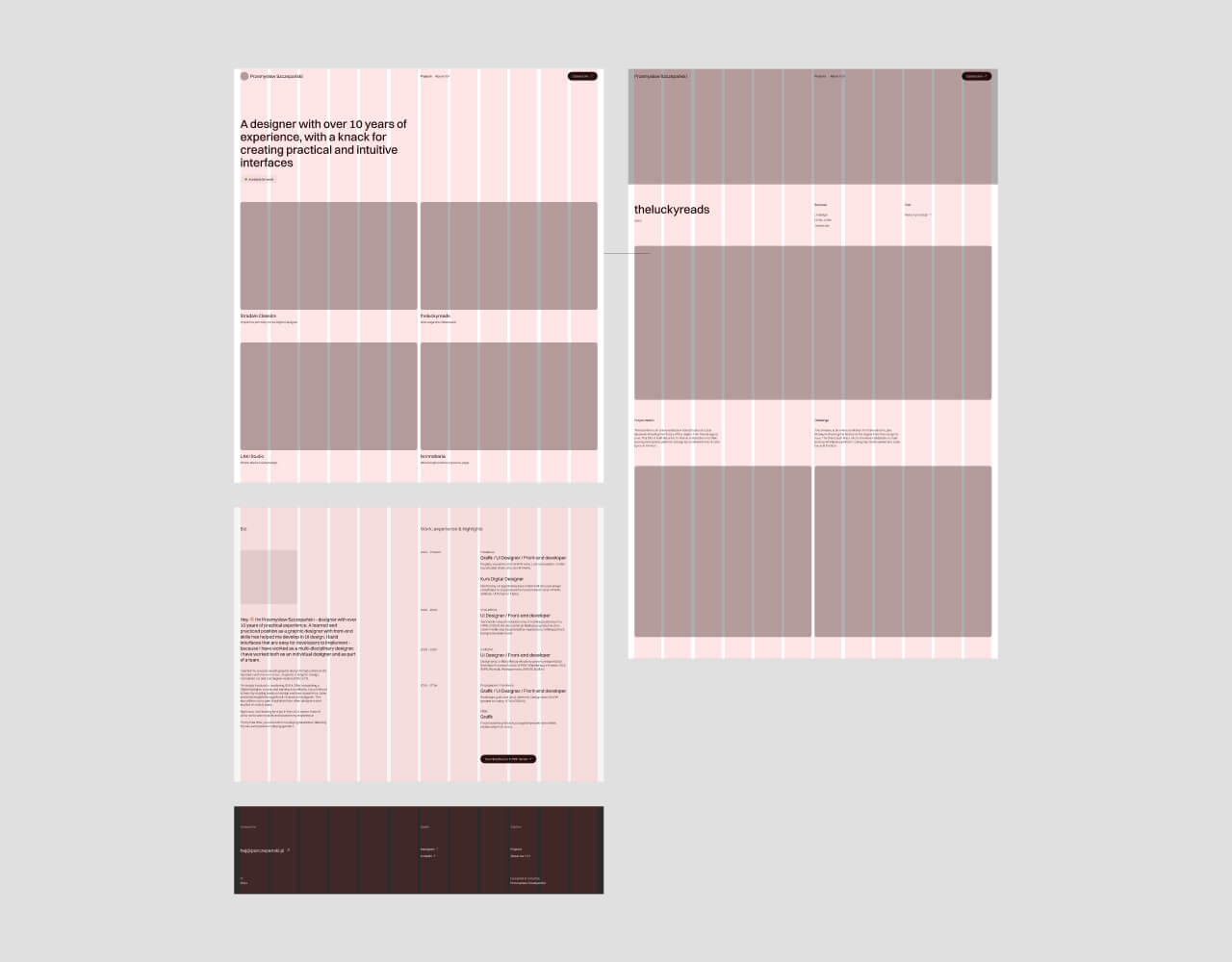
12-column grid mockup
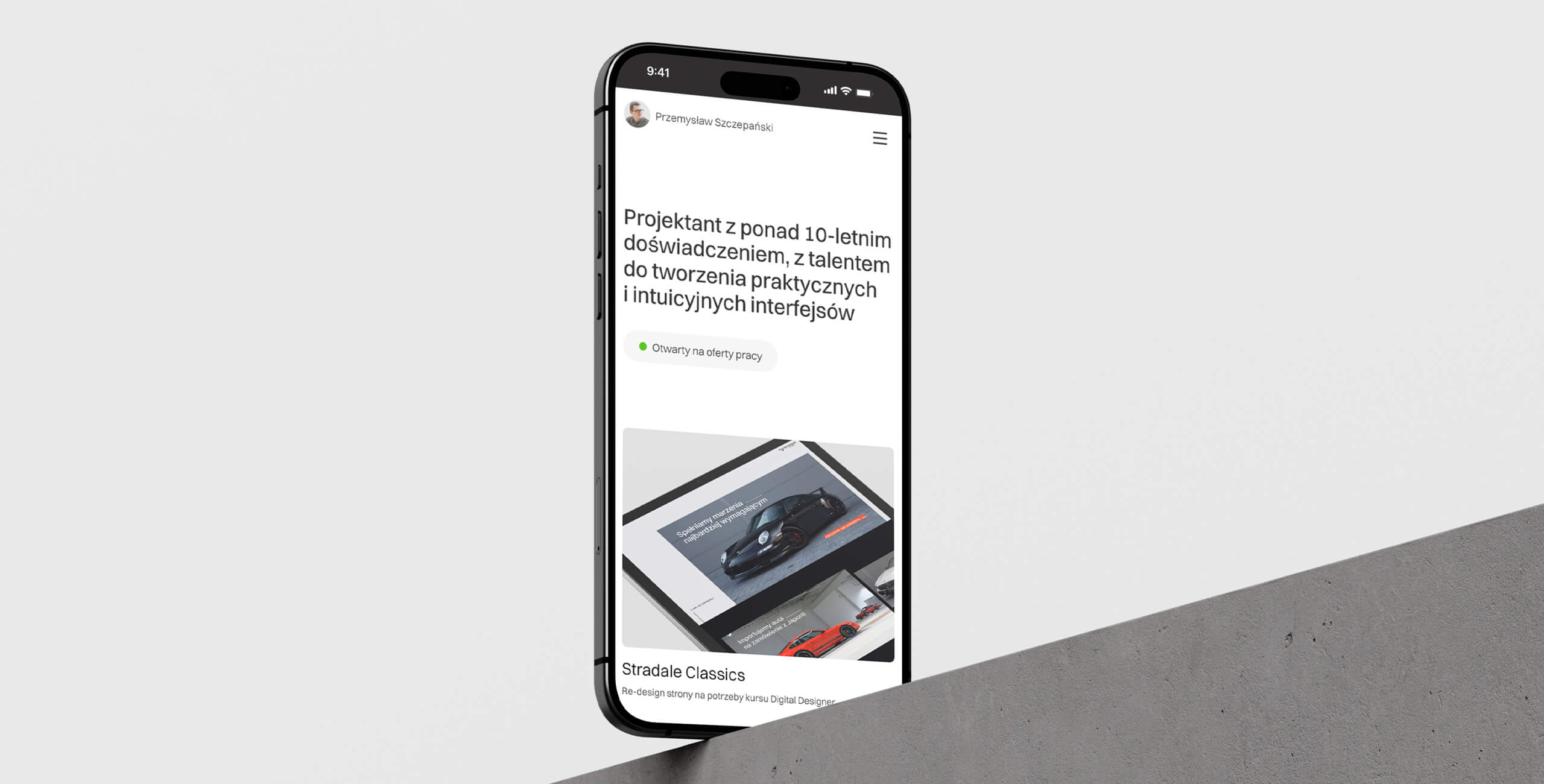
Mobile view header
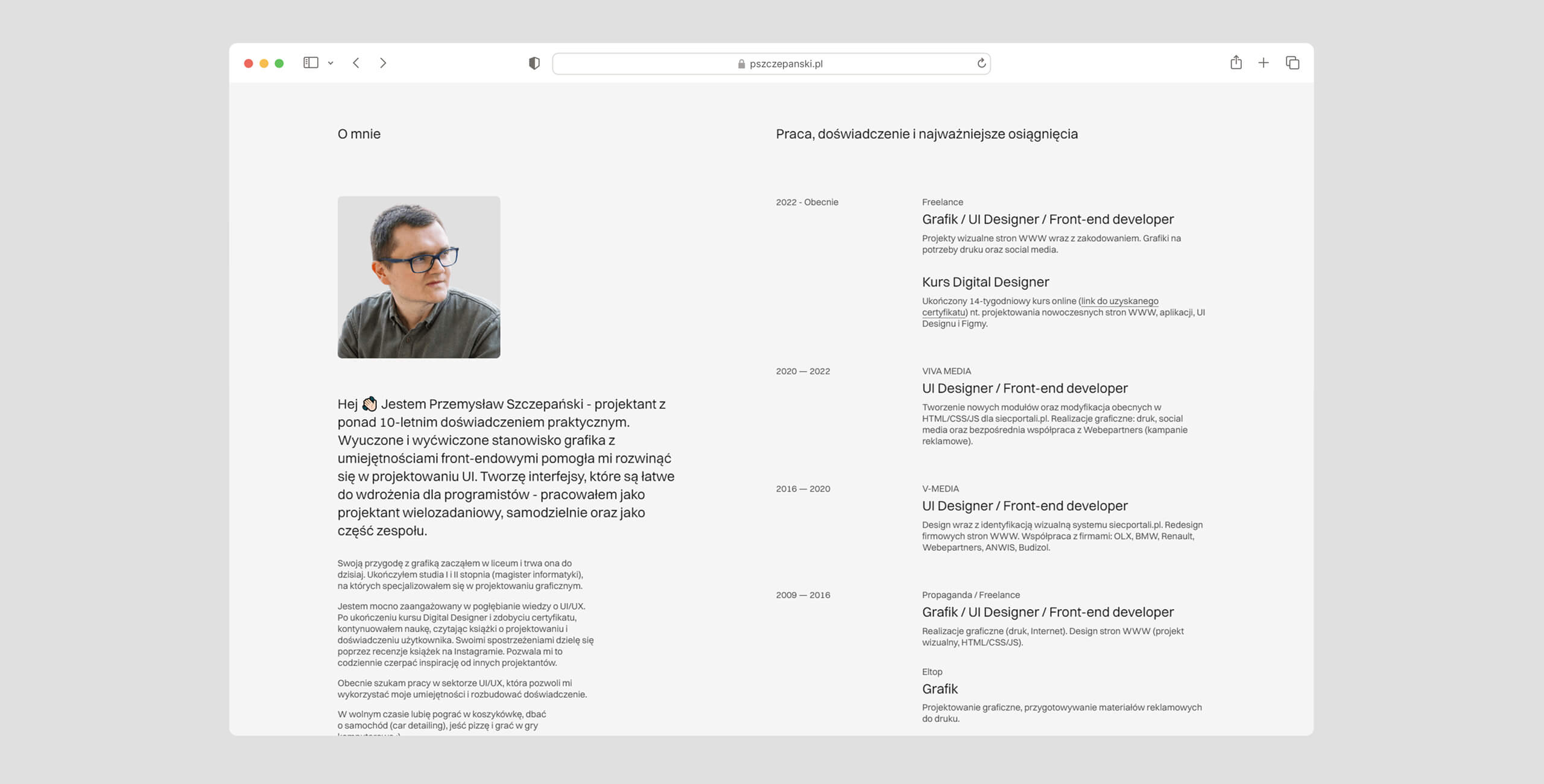
"About me" section with professional experience timeline
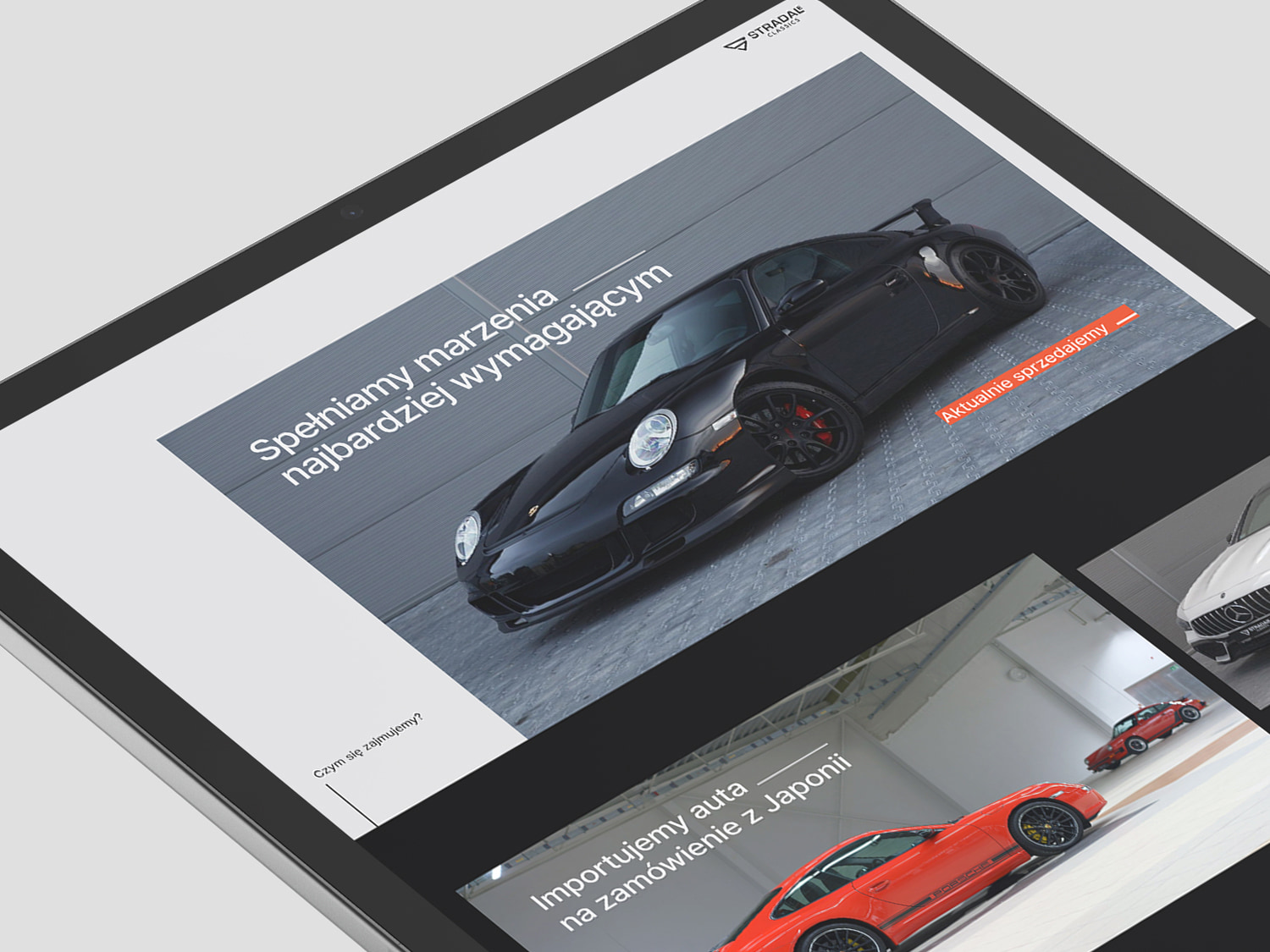

Website redesign for the Digital Designer course
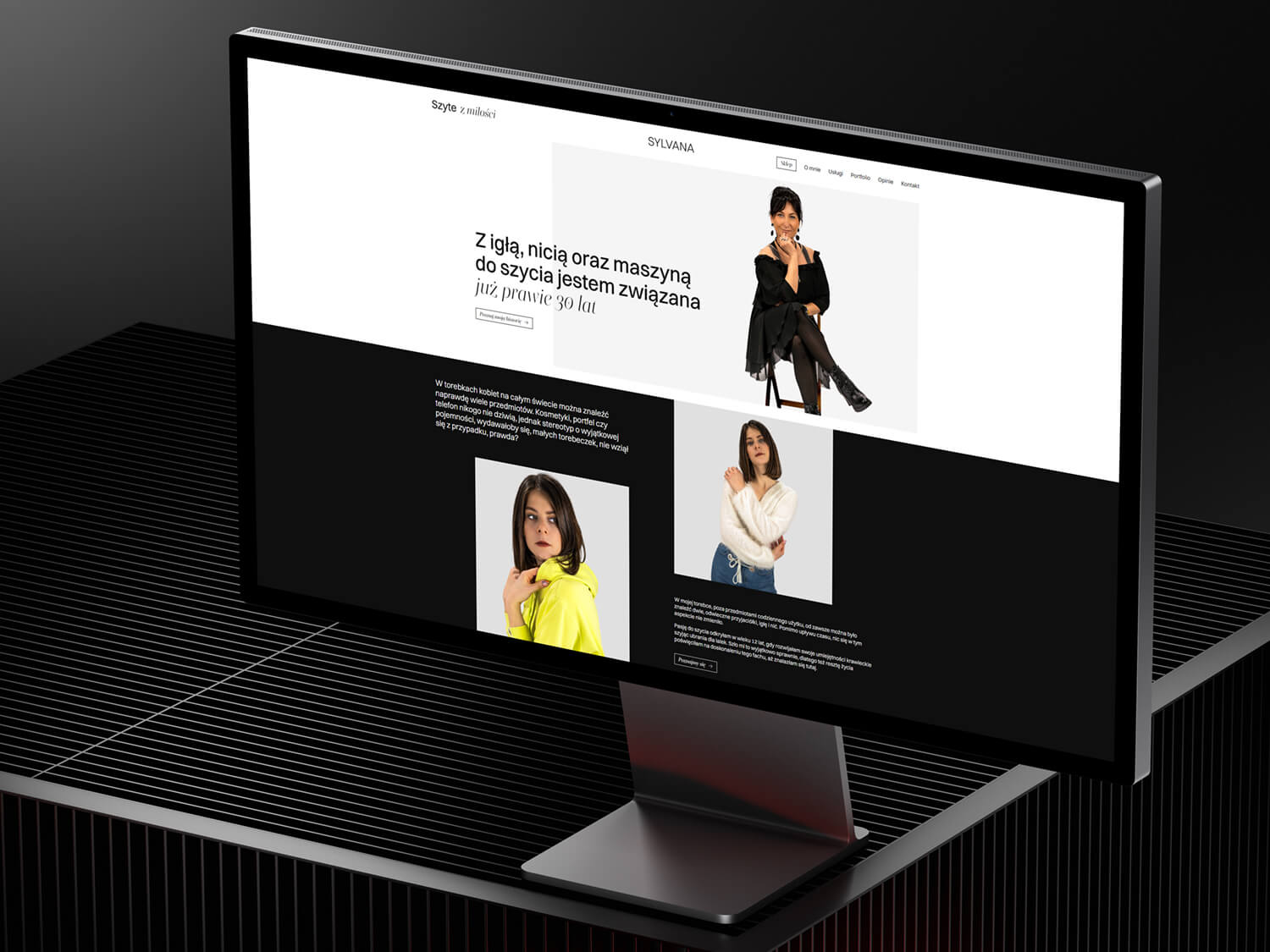
Design and implementation of one-page for tailor